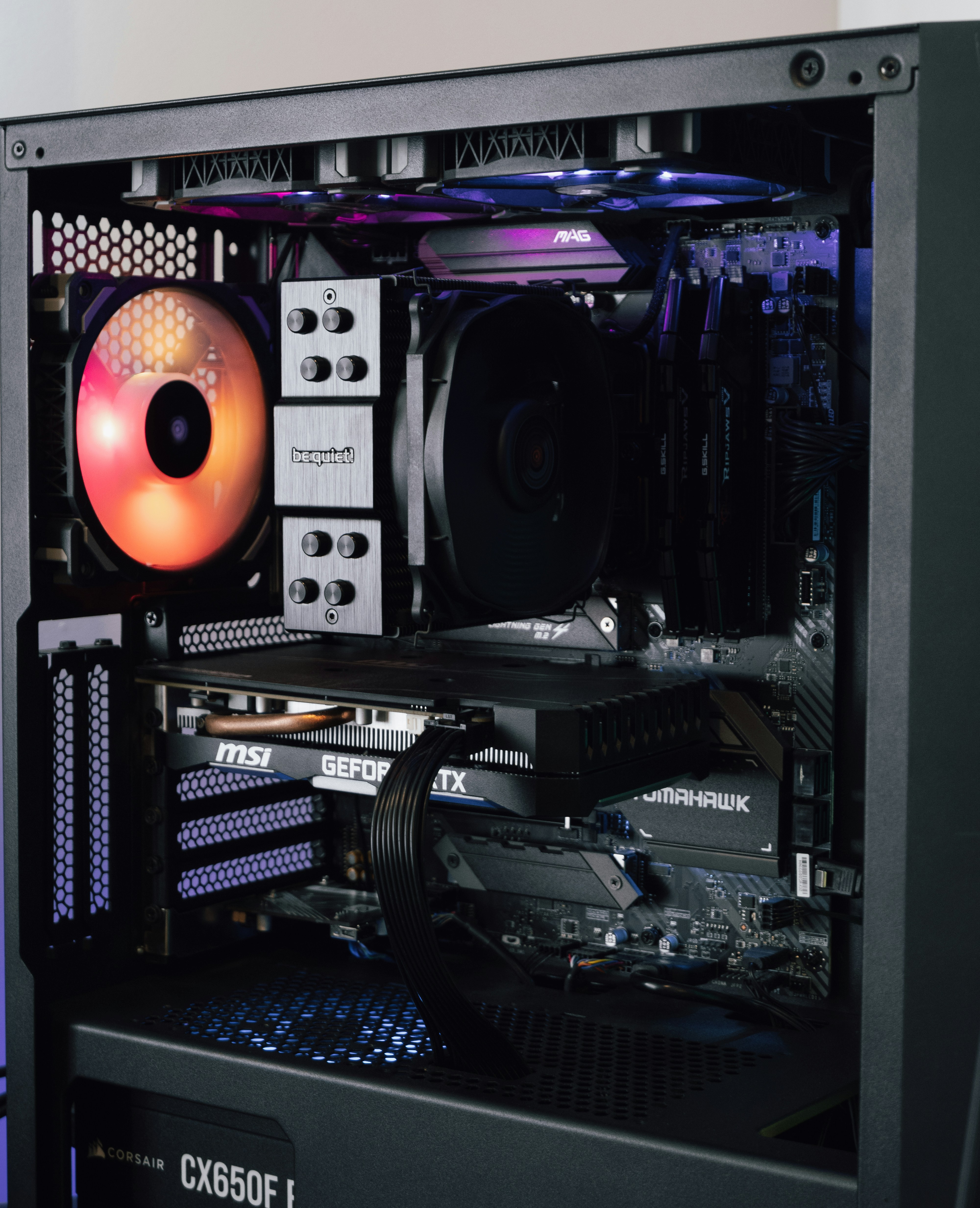
Before You Begin (Tools you will need)
- Cotton swabs (Q-tips)
- Microfiber Cloth (to prevent the lint to sticking to the blades)
- Compressed air Can or a electric air duster
- 90%+ Isopropyl Alcohol (This will evaporate quickly so it will not damage electronics)
Step 1: Power the PC down
- Completely power off the PC. Ensure its not in sleep mode
- Hold the PC power button for 5-10 seconds to drain any leftover electricity in the PC
- Flip the switch on the back of your power supply to the OFF position to be safe
- Unplug the PC cable from the wall
Step 2: Cleaning the fans
Never allow the fan to spin when using compressed air, it can act as a generator that sends voltage into your motherboard
- Use the compressed air, make sure the air can be upright (to prevent any spraying of liquid freezing propellant)
- Make sure to wipe down all the blades with a dry microfiber cloth
- Dip a cotton swab in a tiny amount of isopropyl alcohol, make sure it is not too wet, this is for detailing
Step 3: Dust Filters
Only do this if your case has mesh dust filters on the front, under the PSU or on top
- Take them off
- Wipe them clean with the microfiber cloth, or you may rinse them
- VERY IMPORTANT! If you chose to wash them with water, make sure that it is 100% DRY before snapping it back into your case