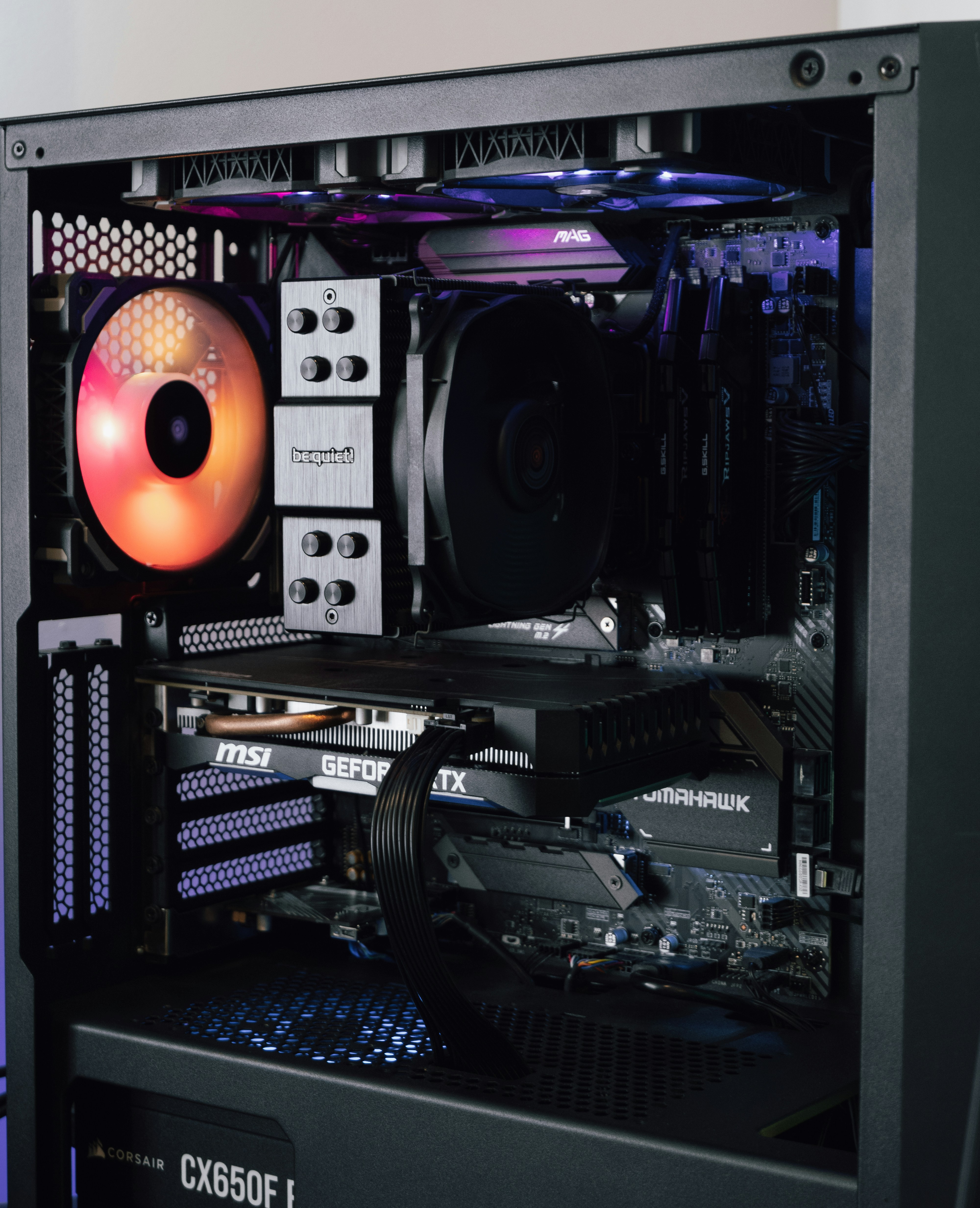
The power supply Unit (PSU) is typically the most boring part of a PC build, but the truth is, it is just as inportant as every other component. A cheap or unreliable power supply has a very good chance of damaging your graphics card, CPU or even the entire PC.
Follow this list below to ensure you choose a PSU that delivers clean and reliable power safely.
Main factors to Consider
- The Wattage Requirements
- Budget builds(e.g RTX 4060/RX 7600): 550W - 650W is good
- Mid tier builds: (e.g RTX 4070 / RX 7800 XT): Aim for 750W
- High-end builds: 850W+ will give you plenty of headroom margin and room for future upgrades
It is recommended that your power supply should have around 200 more than the total amount of wattage all your components require.
- Efficiency Rating (80 Plus)
- When looking for a PSU, make sure it has a 80 Plus Gold or 80 Plus Bronze rating. This will make sure that the power supply can convert wall power effciently, this will generate less heat and save electricity.
- Cable Management (Modular vs. Non Modular)
- Fully Modular: Every cable is able to detach and the only plug in the cable that you need making the cable management much easier
- Non-Modular: All the cables are permanently attached. This is cheaper but it will leave extra unused cables tucked at the bottom of your case or around
Recommend Hardware:
- Best Mid-Range PSU: Corsiar RM740e / RM850+ Gold Fully Modular - check price here
- Best Budget PSU: Seasonic FOCUS GX-650 or EVGA 650W 80+ Bronze - check price here